Attendance You Can Trust: Geo-Fencing, Face Verification and Approvals
Proxy punches, missed check-outs and untracked work-from-home days quietly distort payroll. Here is how to record attendance where the work actually happens.
Attendance is the input to almost every HR decision — pay, leave balances, late marks and performance conversations. Yet in many organizations it is the least reliable data in the business. Punches are made on someone else's behalf, check-outs are forgotten, and work-from-home days are agreed over chat and never recorded.
Each gap looks small on its own. Together, they mean payroll is calculated on attendance nobody fully trusts. The fix is not stricter policing; it is a system that records attendance where the work happens and gives every exception a clear path to approval.
One-click punch in and out, on web or mobile
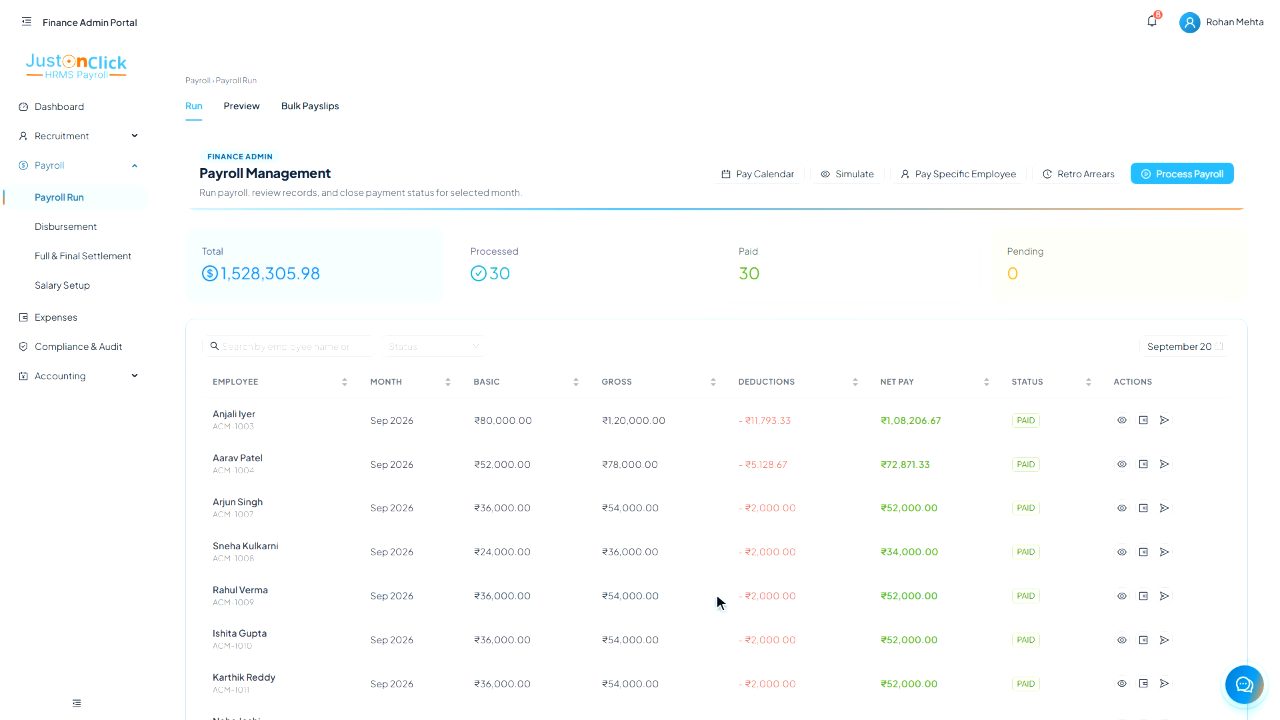
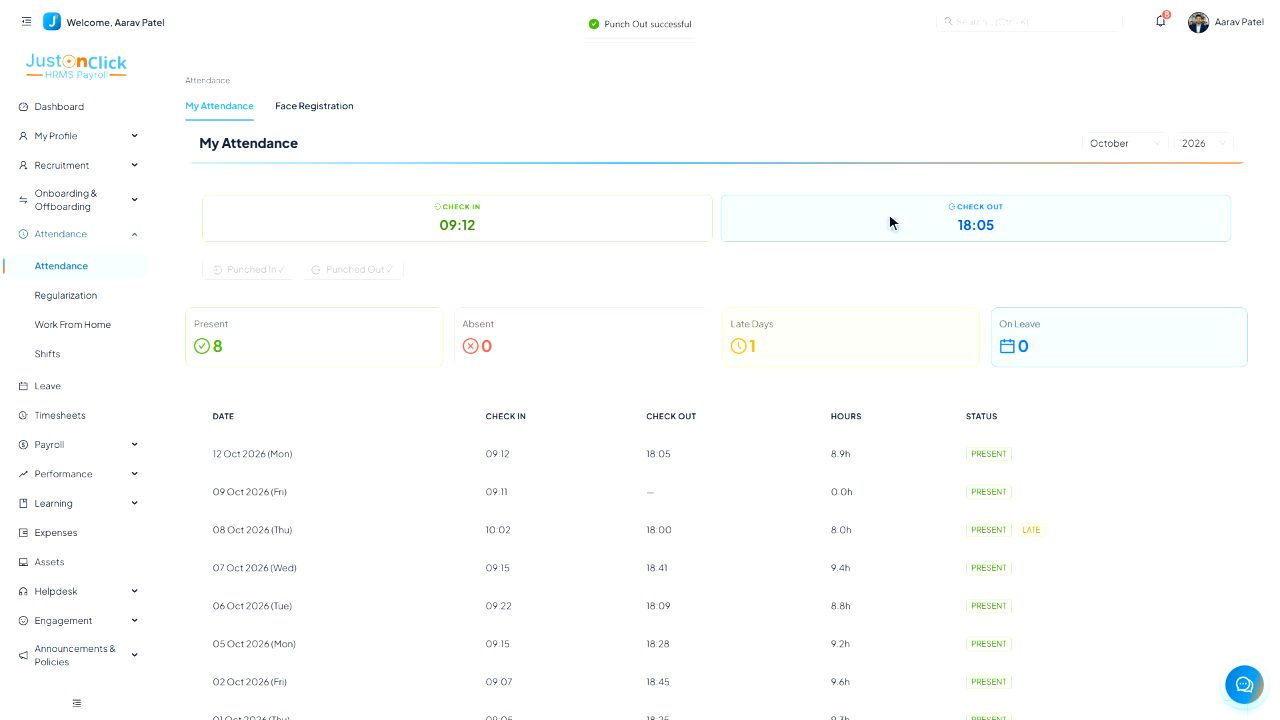
In Justonclick HRMS, employees punch in and out from the web or the mobile app. Worked hours, late marks and the day's status are calculated automatically, so the record is complete the moment the day ends — no manual timesheet reconciliation required.
Geo-fencing: confirm the punch came from the office
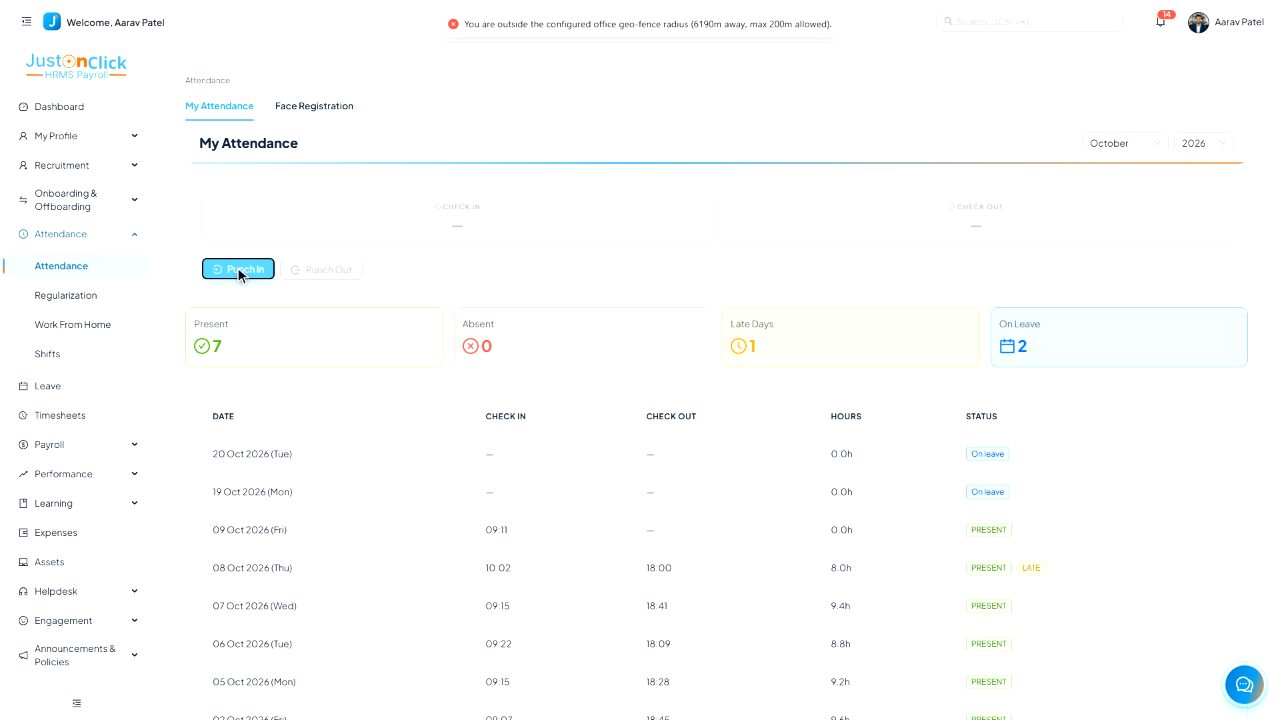
An Org Admin sets the office location and a radius, then chooses how strictly it is enforced:
- Strict — a punch from outside the geo-fence is refused, and the employee is told how far away they are.
- Warn and Track — lighter modes for teams that need more flexibility, such as field staff.
Face verification: confirm who is punching
Location answers where; face verification answers who. After a one-time face registration, a live photo is captured at each punch when the organization turns the feature on — removing proxy attendance without adding friction for honest employees.
Exceptions with a clear approval path
Real workdays are messy, and a good attendance system plans for that. A missed check-in or check-out is corrected through a regularization request with the corrected time and a reason. Work-from-home days are requested with a location and reason. Both go to the employee's manager, who reviews and approves them from a single queue.
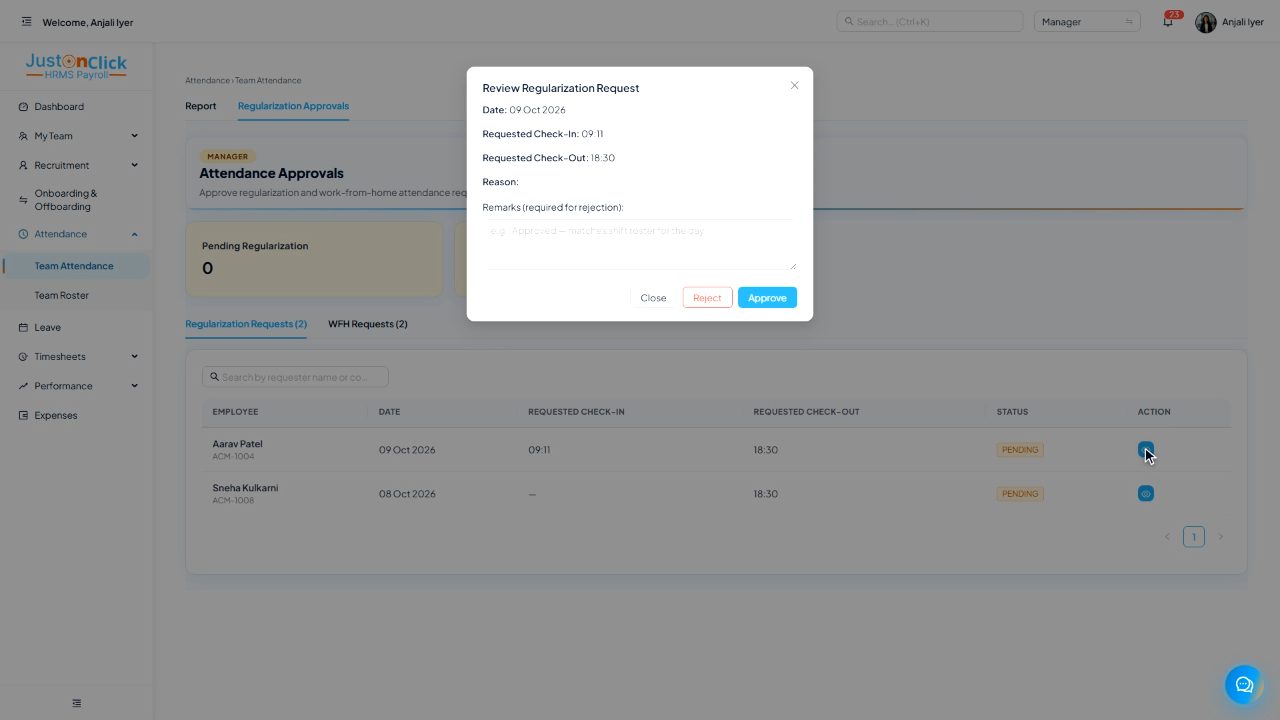
Every exception leaves a trail: who requested it, why, and who approved it. That is what makes attendance data defensible.
Shifts, biometric devices and payroll
Shifts are assigned on a roster, and punches from existing biometric devices can be brought into the same record. Because attendance and payroll share one system, attendance-based deductions flow straight into the monthly payroll preview — the same verified data drives both.
Rolling it out in four steps
- Draw the geo-fence: set office coordinates, a radius and the mode.
- Employees punch in and out from the web or the app.
- Missed punches are fixed through regularization requests.
- Managers approve regularization and WFH requests from Attendance Approvals.
The result is attendance that employees find easy, managers find fair, and finance can rely on when it is time to run payroll.